Bringing a classic sound into a modern production
The Roland MT-32 belongs to a very different era of music technology, but its distinctive tones can still work surprisingly well inside a modern DAW.
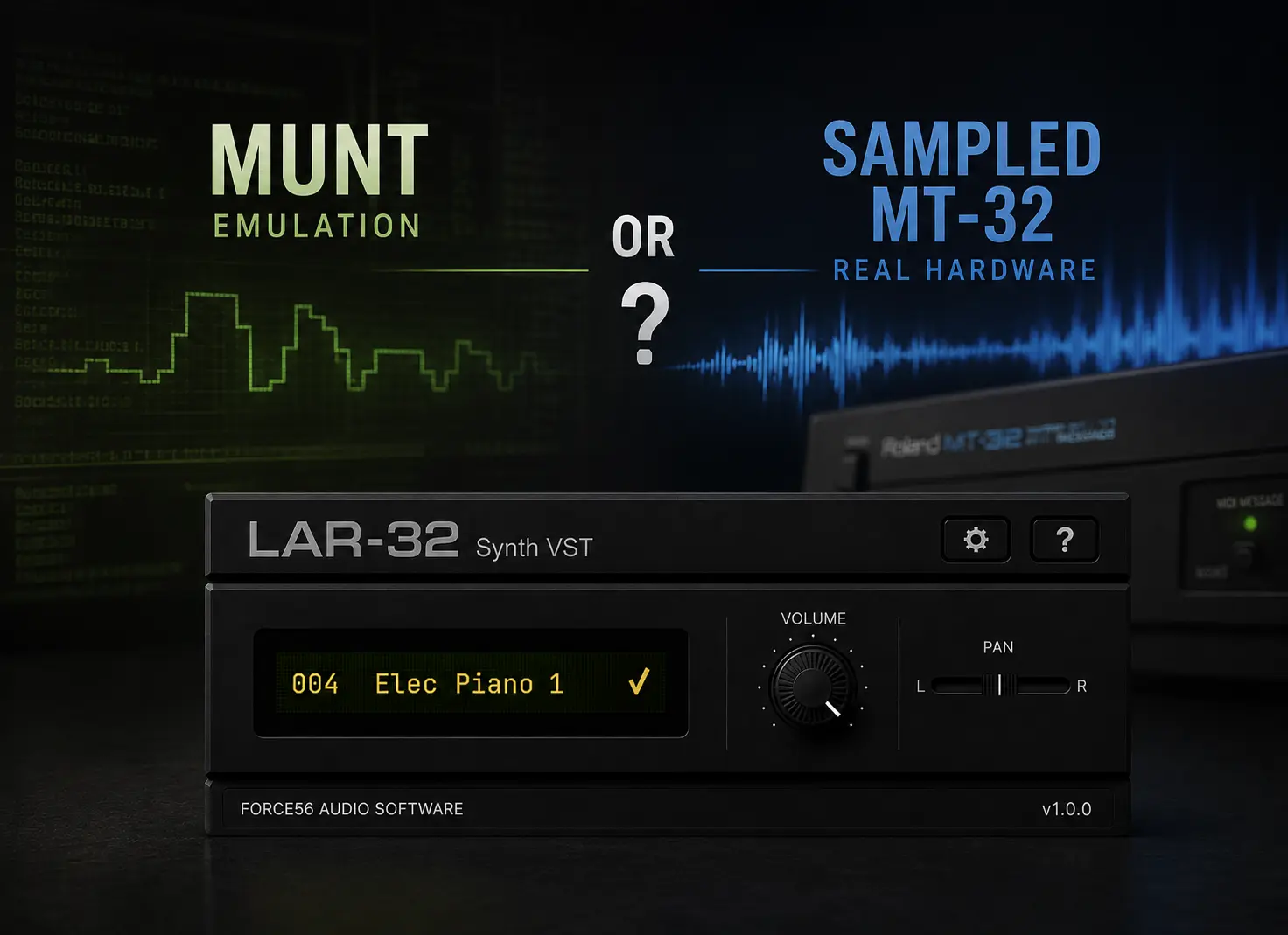
Today, there are several practical ways to use MT-32 sounds without keeping the original hardware connected to your studio.
The right method depends mostly on whether you want to recreate the original synthesizer or simply use its sounds in new music.
Option 1: MT-32 emulation
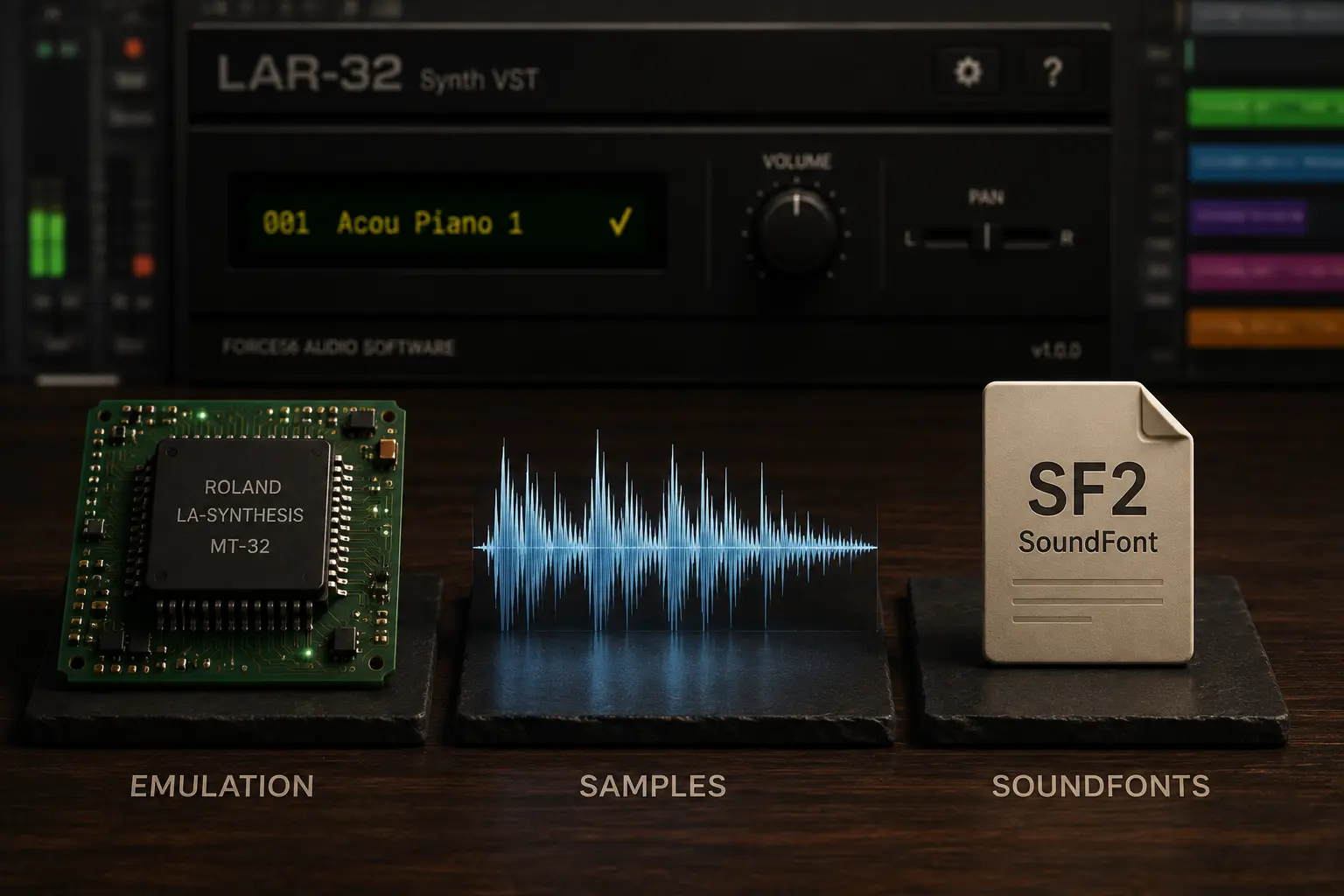
Software such as MUNT emulates the original Roland LA synthesis hardware.
This is the best fit when authentic MT-32 behavior matters, particularly for retro computing, classic game music, or preservation.
For ordinary music production, however, you may not need to reproduce the complete hardware environment just to use a piano, bass, pad, or another MT-32 tone.
Option 2: samples or SoundFonts
Another option is to work with samples recorded from MT-32 hardware.
WAV files can be loaded into samplers and mapped across a keyboard, while SoundFonts package samples and mappings into a format supported by compatible players.
This gives you considerable flexibility, especially if you already have a sampler workflow.
The downside is that you may need to build mappings, organize presets, or manage the sample library yourself.
Option 3: a dedicated sampled MT-32 instrument
A dedicated sample-based virtual instrument packages the sounds and their mappings into a conventional plugin.
For production, this can be the most direct approach:
Load the plugin → choose a tone → play.
You can then treat the MT-32 sounds like any other instrument in your project: sequence them with MIDI, automate parameters, add effects, layer them with other instruments, and save everything inside your DAW session.
If you want a deeper comparison between these approaches, see MT-32 Emulation vs Samples vs SoundFonts .
Using MT-32 sounds creatively
Once the sounds are inside your DAW, they do not have to be used only for retro music.
Try combining them with:
-
Modern reverb and delay
-
Chorus and modulation effects
-
Saturation or distortion
-
Contemporary drum machines
-
Modern synthesizers and sampled instruments
-
Automation and DAW effects
The contrast between an unmistakably older digital tone and modern production can be more interesting than trying to recreate an entire late-1980s or early-1990s setup.
Treat the MT-32 as a sound source
This is perhaps the simplest way to approach the instrument as a modern producer.
You do not necessarily need to recreate the original hardware workflow. Instead, think of the MT-32 as a palette of distinctive sounds that can be layered, processed, and arranged using everything your current DAW provides.
If authentic hardware behavior is the goal, emulation remains the appropriate tool.
If making music is the goal, convenience may matter more.
Use MT-32 sounds like a modern plugin
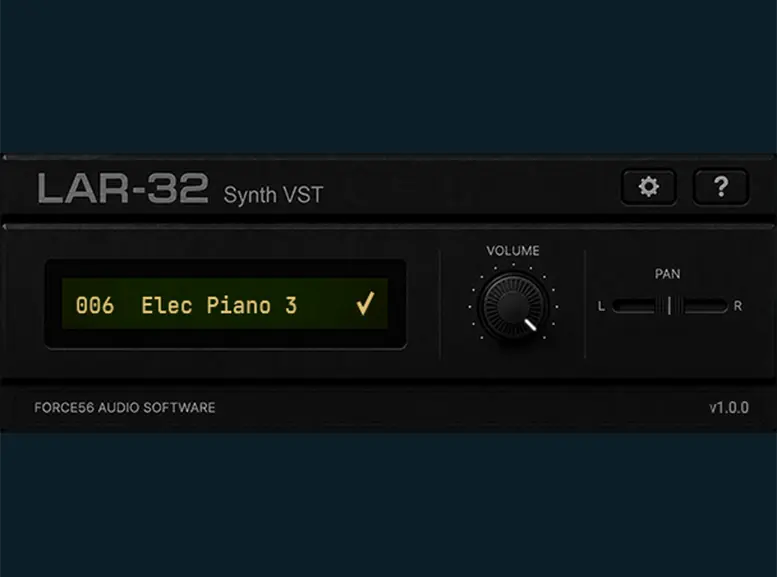
LAR-32 Synth VST is designed around this workflow. Its tones were sampled in stereo from real Roland MT-32 hardware and organized as presets inside a modern virtual instrument.
- Real MT-32 hardware captures
- Preset-based workflow
- Windows + macOS
- VST3 • AU • Standalone