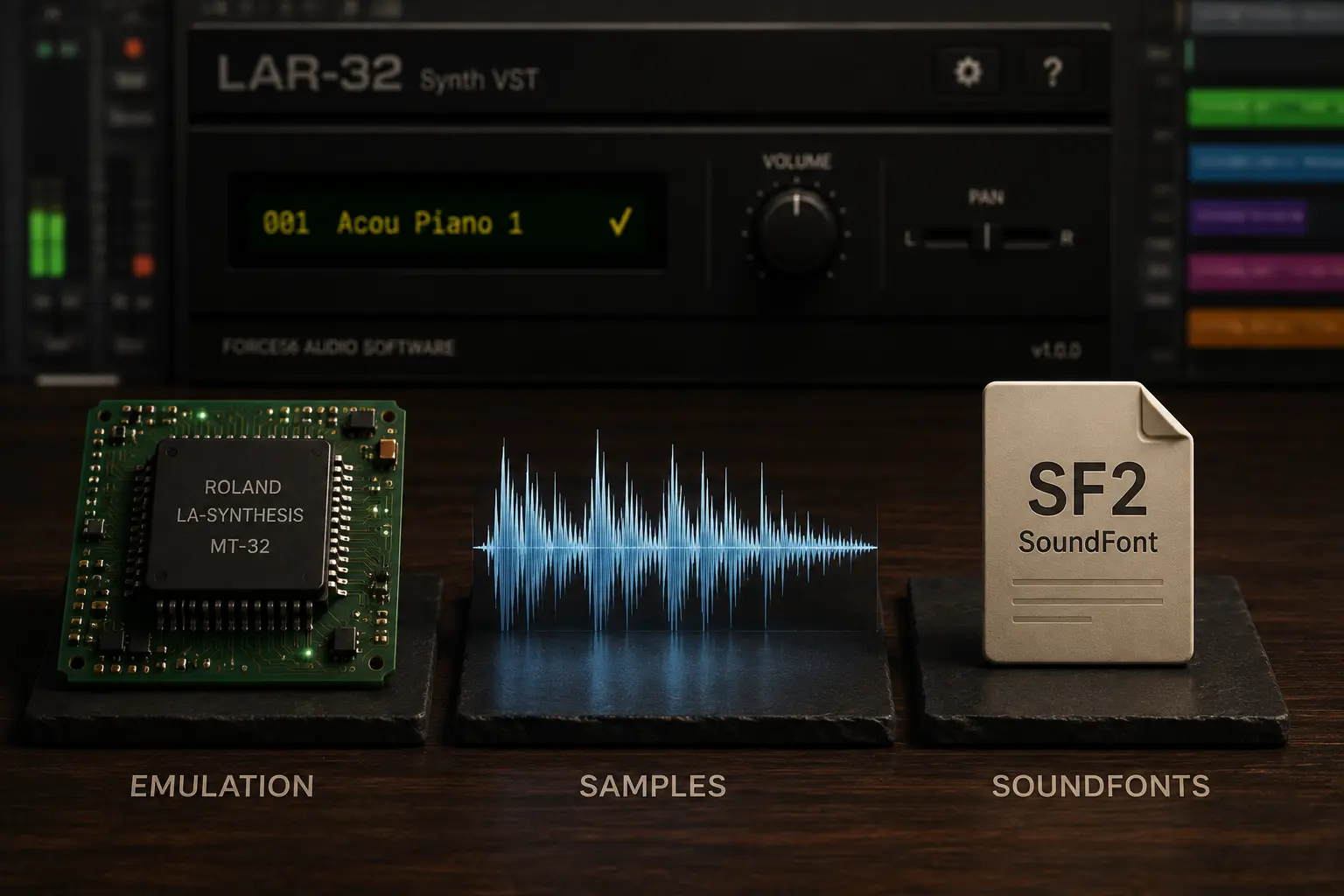
Two different ways to bring the MT-32 into a modern computer
The Roland MT-32 remains instantly recognizable decades after its release. Today, you do not necessarily need the original hardware to work with its sounds.
There are two very different approaches: emulating the MT-32 itself, as MUNT does, or using samples captured from real MT-32 hardware inside a modern virtual instrument.
Neither approach is inherently better. They are designed for different jobs.
What is MUNT?
MUNT is an open-source project designed to emulate Roland's LA synthesis-based sound modules, including the MT-32.
Its goal is hardware emulation: recreating the behavior and sound generation of the original synthesizer in software.
That makes MUNT particularly useful when authenticity and compatibility with software originally designed for the MT-32 matter. Classic computer games are an obvious example.
MUNT is also free and open source, making it an extremely useful tool for MT-32 emulation and preservation.
What is a sampled MT-32 instrument?
A sampled instrument takes a different approach.
Instead of recreating the synthesizer architecture, its sounds are recorded from real MT-32 hardware and reproduced using a sample-based engine.
The goal is not to emulate every aspect of the original device. It is to make its sounds convenient to use inside a modern music-production workflow.
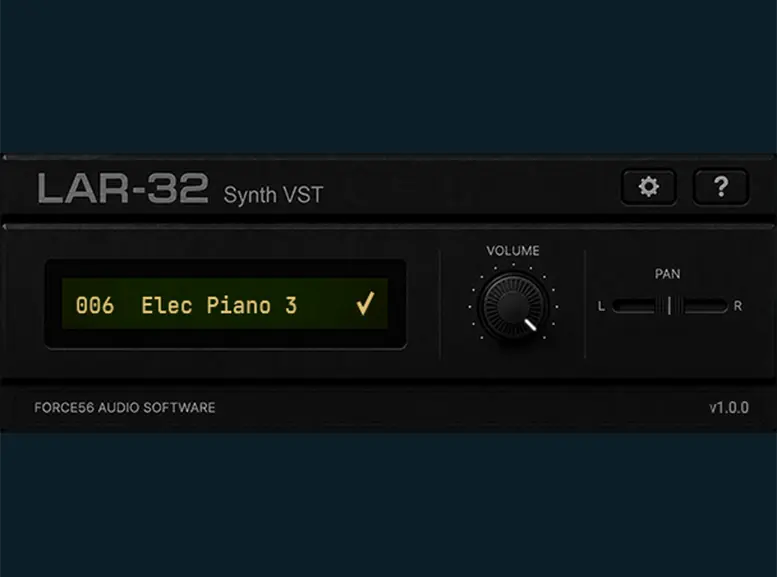
You load the instrument, select a preset, and play.
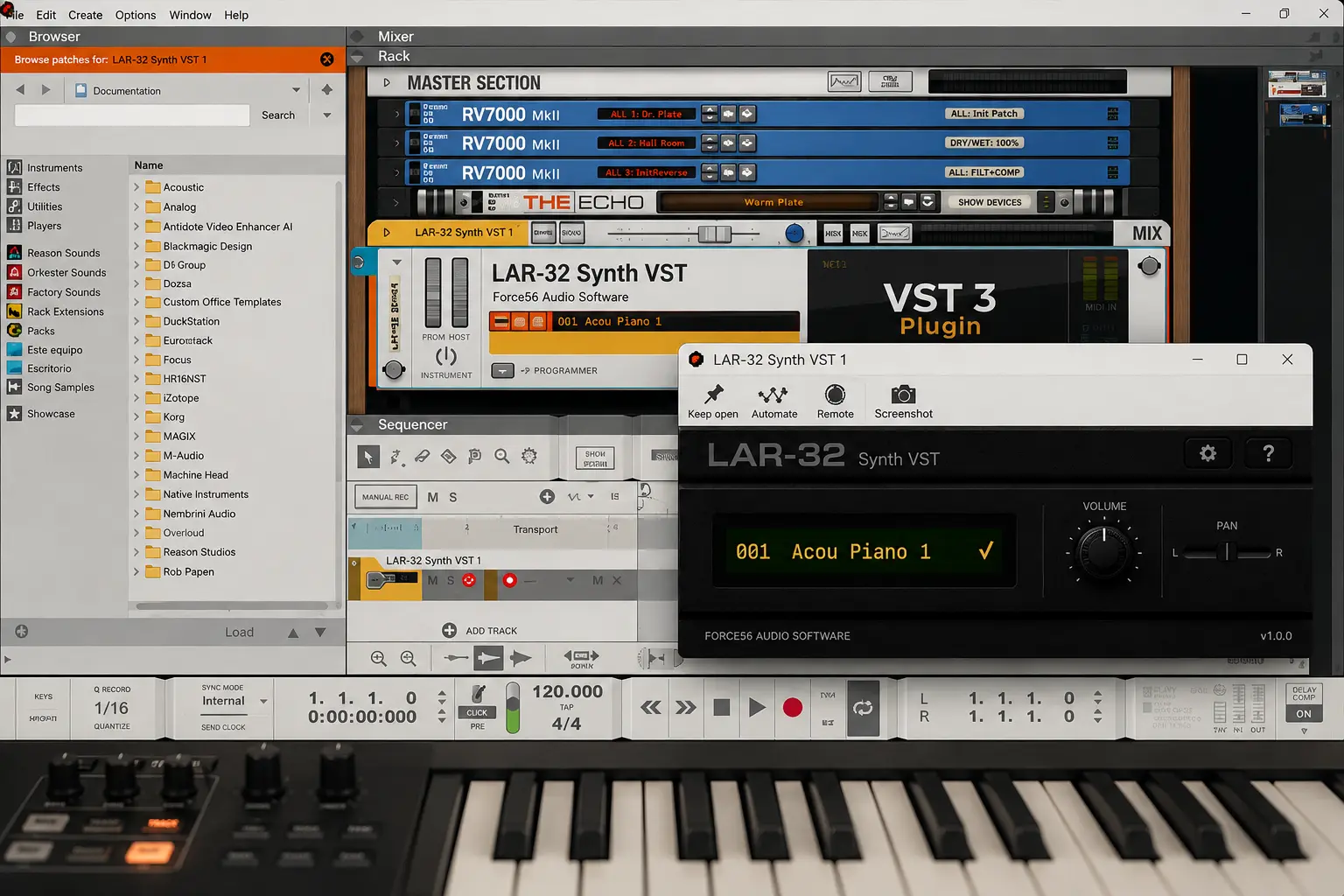
This is the approach used by LAR-32 Synth VST , which is built around stereo samples captured from real Roland MT-32 hardware.
MUNT vs. sampled MT-32: the key difference
The simplest way to understand the difference is:
MUNT recreates the instrument. Sampling captures its sound.
With MUNT, software recreates how the original synthesizer generates audio.
With a sampled instrument, the MT-32 itself has already generated the sounds and its audio output has been recorded.
Which approach is more useful depends entirely on what you want to do.
Setup and workflow
MUNT requires the appropriate MT-32 ROM files and emulator setup. For someone interested in authentic emulation, that is part of recreating the original environment.
A sampled instrument can eliminate that step because its sounds have already been captured.
For music production, the workflow can therefore be much simpler:
Load the plugin → choose a tone → start playing.
You can play from a MIDI keyboard, automate parameters, layer the instrument with modern synths and effects, save everything inside your DAW project, and recall it later like any other plugin.
That is the main advantage of the sampled approach: production-first rather than emulation-first.
MUNT vs. sampled MT-32 at a glance
| Feature | MUNT | Sampled MT-32 instrument |
|---|---|---|
| Approach | Hardware emulation | Real hardware sampling |
| Sound source | Software-generated emulation | Audio captured from real hardware |
| Setup | Requires appropriate ROM files and emulator setup | Samples are included with the instrument |
| Primary focus | Authentic emulation | Modern music production |
| Best suited for | Retro software, preservation and emulation | DAW-based music production |
| Cost | Free and open source | Depends on the instrument |
| Support | Community-driven | Depends on the developer |
These are not simply two competing versions of the same product. They are two different ways of bringing the MT-32 into a modern computer.
Which one should you use?
If you want to reproduce the original MT-32 environment as accurately as possible, MUNT is probably the better tool.
It makes particular sense for retro computing, classic game soundtracks, preservation, and situations where the behavior of the original synthesizer matters.
If you are primarily a musician who wants MT-32 sounds available inside a modern DAW, a sampled instrument may provide the easier workflow.
You trade emulation of the complete synthesizer architecture for immediacy.
And there is no reason you cannot use both: MUNT for authentic emulation and a sampled instrument when you simply want those sounds available while producing music.
Want MT-32 sounds in a modern DAW?
LAR-32 Synth VST uses the sample-based approach described above, with tones captured in stereo from real Roland MT-32 hardware and packaged for modern music production.
- Real MT-32 hardware captures
- No external ROM files required
- Windows + macOS
- VST3 • AU • Standalone